01
Scoring, with context.
Record points, elapsed time, and hit factor. Use target photos for assisted score entry and revisit the details behind a result.
SCORE / REVIEWPut a number to the work you put in.
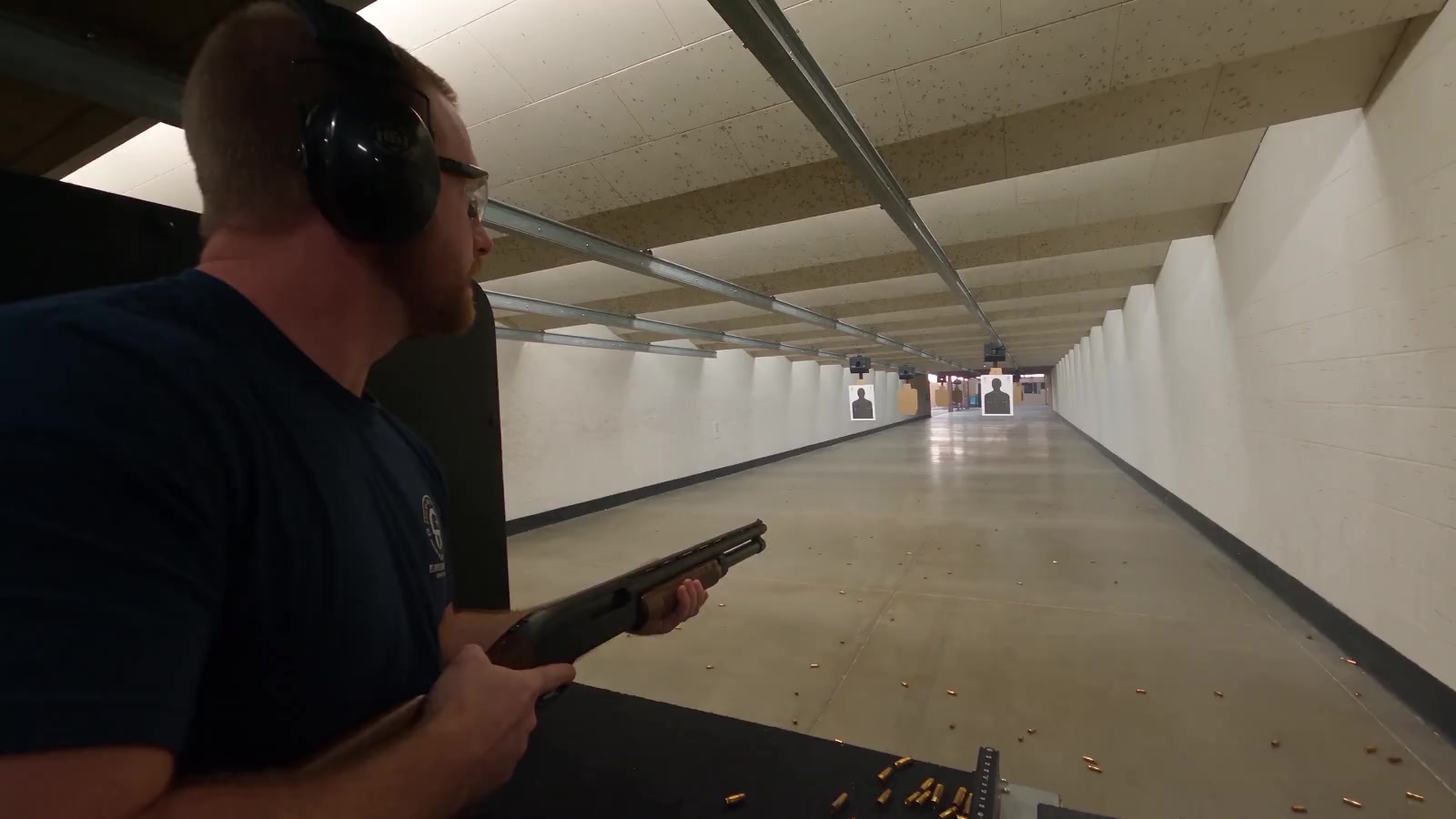
Explore the appThis muted film plays automatically. Illustrative footage starts beside a shotgun shooter in an indoor range, follows the firing lanes into an outdoor practice area, then climbs and turns to reveal the range building. The app fades in over the elevated closing view. Use Pause motion to stop the film or Skip to the app to continue without watching.
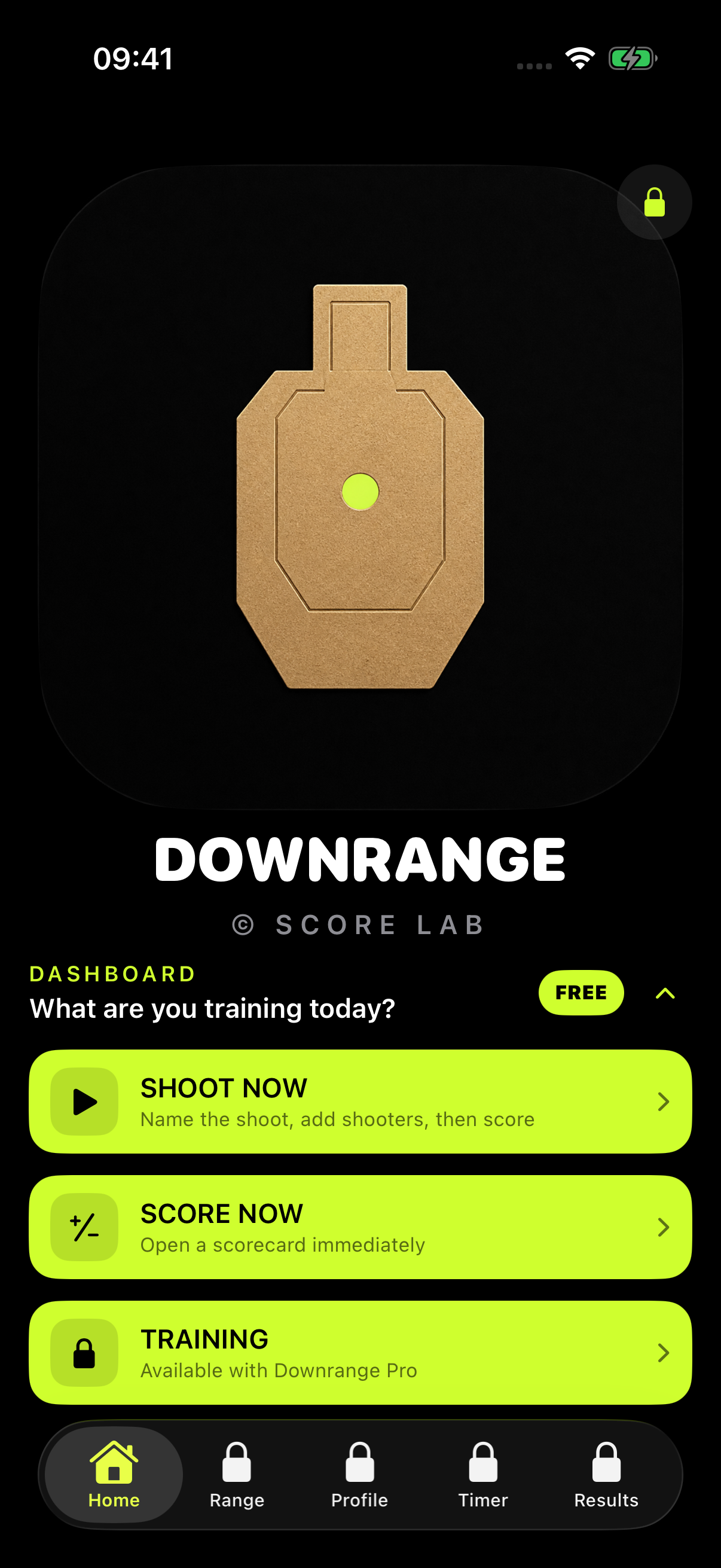
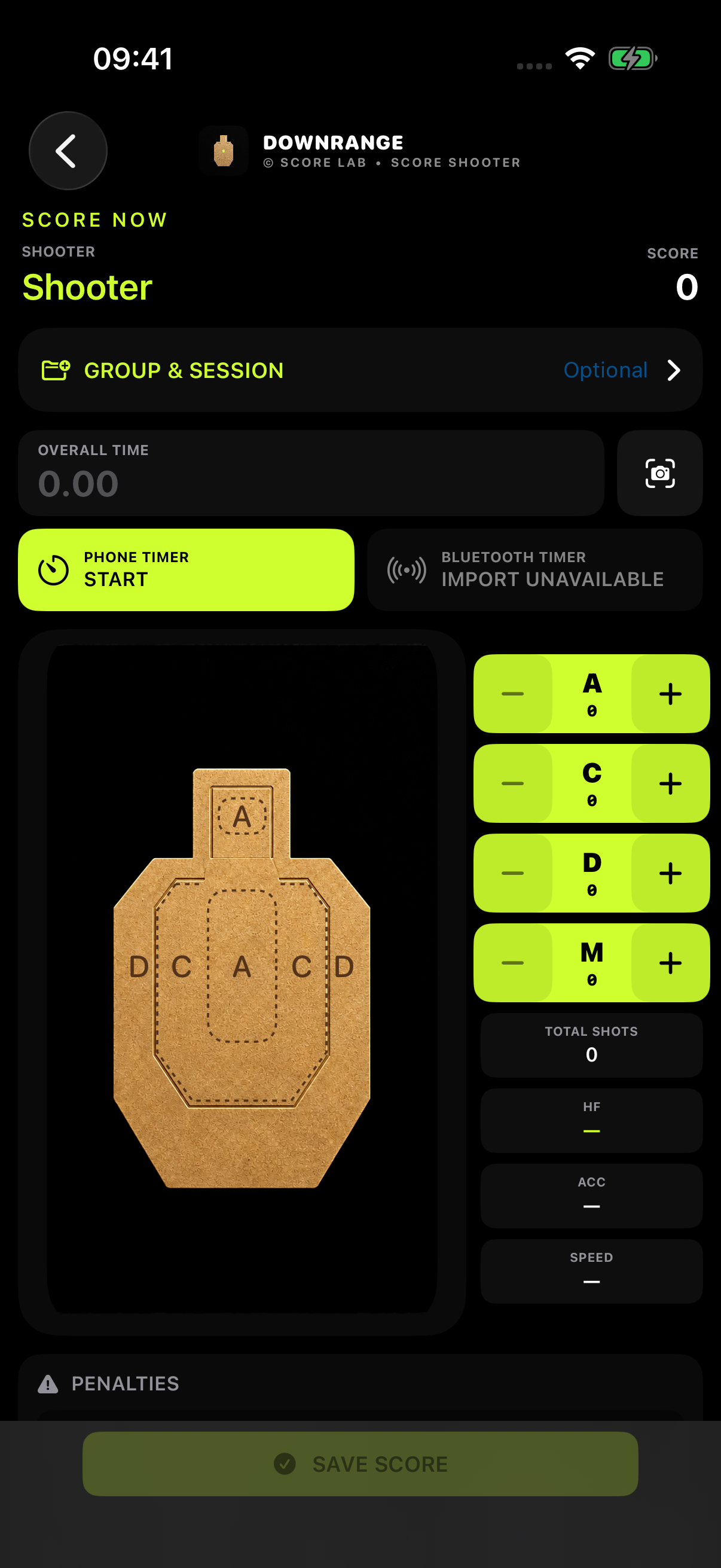
Keep more than a memory of your last session. Record your scores and times, then return to the details when you’re ready to review.
Start a scorecard, connect a compatible timer, and build a training history you can use.
Take a closer lookACTUAL iOS APP SCREENS · FEATURES VARY BY PLAN
YOUR TRAINING.
IN PERSPECTIVE.
A good session tells you how you performed. A useful record shows you where you’re going.
Downrange connects the details — scores, times, shooters, and sessions — so you can look back with clarity and move forward with purpose.
Capture the session.Keep your scores and timing together.
Find the pattern.Compare like-for-like performance over time.
Keep the perspective.Review the individual. See the whole group.
 DOWNRANGESCORE LAB
| # | Shooter | Score | Time | HF |
|---|---|---|---|---|
| 01 | Shooter A | 48/50 | 4.82s | 9.96 |
| 02 | Shooter B | 46/50 | 5.10s | 9.02 |
| 03 | Shooter C | 48/50 | 5.60s | 8.57 |
| 04 | Shooter D | 44/50 | 5.80s | 7.59 |
From the first recorded result to the bigger picture. Keep the useful details together.
Record points, elapsed time, and hit factor. Use target photos for assisted score entry and revisit the details behind a result.
SCORE / REVIEWConnect a compatible Bluetooth shot timer to bring times and splits into your training record, alongside the scores they belong to.
CONNECT / CAPTUREReview personal bests and trends across comparable sessions. Export results as CSV for a closer look or a shared review.
COMPARE / EXPORTExplore the drill library, organise your programmes, and keep individual and group sessions in one coherent training history.
PREPARE / ORGANISESome capabilities require Downrange Pro. Available plans and pricing are shown in the iOS app.
Start with your own progress. Bring the same clarity to shared sessions when you train with others.
Organise rosters and sessions. Keep each shooter’s record distinct and bring a shared view to the training review.
Build an organised history of recorded performance. Review sessions, follow individual progress, and export useful results.
See score, time, and hit factor in context. Compare matching courses and follow the changes that a single result can’t show.
Bringing Downrange to an instructor group or unit?
Talk to the teamRECORD THE WORK.UNDERSTAND THE PROGRESS.
A little more about what Downrange brings to your training.
Downrange is an iOS training and scoring app. It brings session planning, score entry, compatible timer connections, individual records, and performance trends together so you can review your training in context.
Downrange supports compatible Bluetooth Low Energy shot timers. Compatibility varies by device and protocol; check the timer options in the app before relying on a connection. Manual score and time entry are also available.
Yes. Downrange supports shooter rosters, group sessions, individual histories, and ranked results. Each shooter keeps their own record within the wider session.
Yes. CSV exports are available for results and comparable performance trends. Downrange Pro includes the full history and export feature set. Try the sample CSV in the product preview above to see an illustrative results format.
Downrange is built for iOS 17 or later. Pro offers monthly, annual, and lifetime options, with current pricing shown in the app. Instructor and unit arrangements are handled separately.
Downrange Score Lab. Built around your commitment.